Meta AI Now Analyses Your Ad Campaigns: What Australian Businesses Need to Know
Last updated: 2026-10-18
Meta AI can now analyse your Facebook and Instagram ad campaigns. What it does, what it costs, the privacy risks, and how Australian SMBs can use it safely
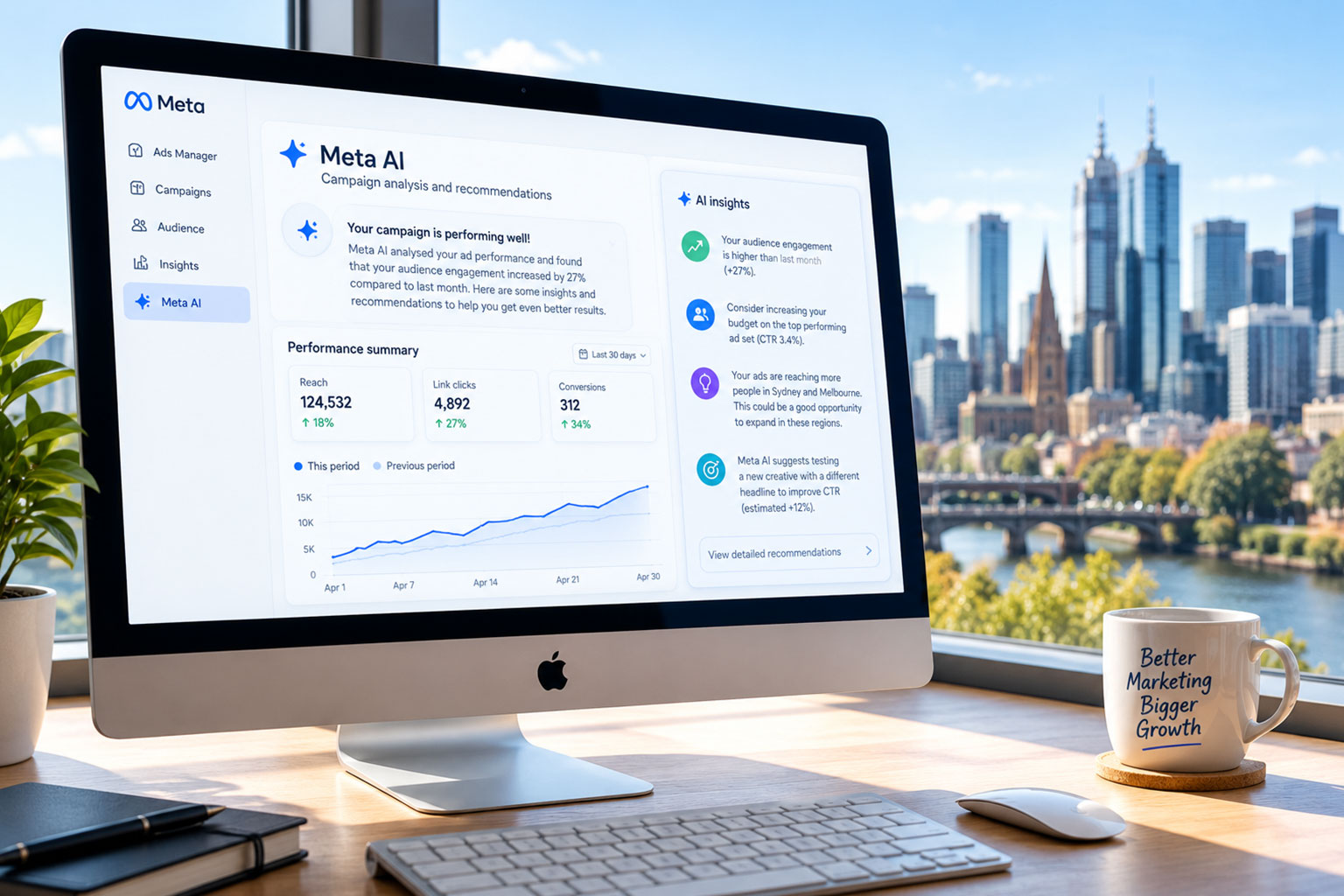
Meta has turned its AI assistant into an ads analyst. Business owners can now connect their Meta ad campaigns to Meta AI and simply ask it how their ads are performing, what's working, and what to change next.
For Australian small and medium businesses that spend money on Facebook and Instagram ads but don't have a dedicated media buyer, this is a genuinely useful shift. It's also a moment to slow down and think about what data you're handing over, and how much you trust a platform to grade its own product.
Here's what Meta announced, what it can actually do, and how we'd recommend approaching it.
What Meta announced
On 19 August 2026, Meta announced a set of new Meta AI features for small businesses. The headline: you can now connect your Meta ad campaigns directly to Meta AI and analyse them in plain conversation, rather than digging through Ads Manager reports.
Alongside your ads, you can optionally connect:
- Your Facebook and Instagram accounts (for organic performance such as reach, saves, shares, comments and profile visits)
- Google Workspace, including Gmail, Docs, Sheets and Slides
The features are rolling out across meta.ai on the web, the Meta AI mobile app and the new Meta AI desktop app for Mac. Meta says they are free to start, with heavier use tied to its new paid subscription, Meta One.
Meta One launched in Australia on 16 September. Business plans range from Essential at $22.99 a month up to Max at $769 a month, and Meta notes features and availability vary by account.
It's worth being clear on one point: connecting Google Workspace gives Meta AI more context from your emails and documents. It does not mean Meta AI can pull in your Google Ads campaign data.
What Meta AI can do for your ad campaigns
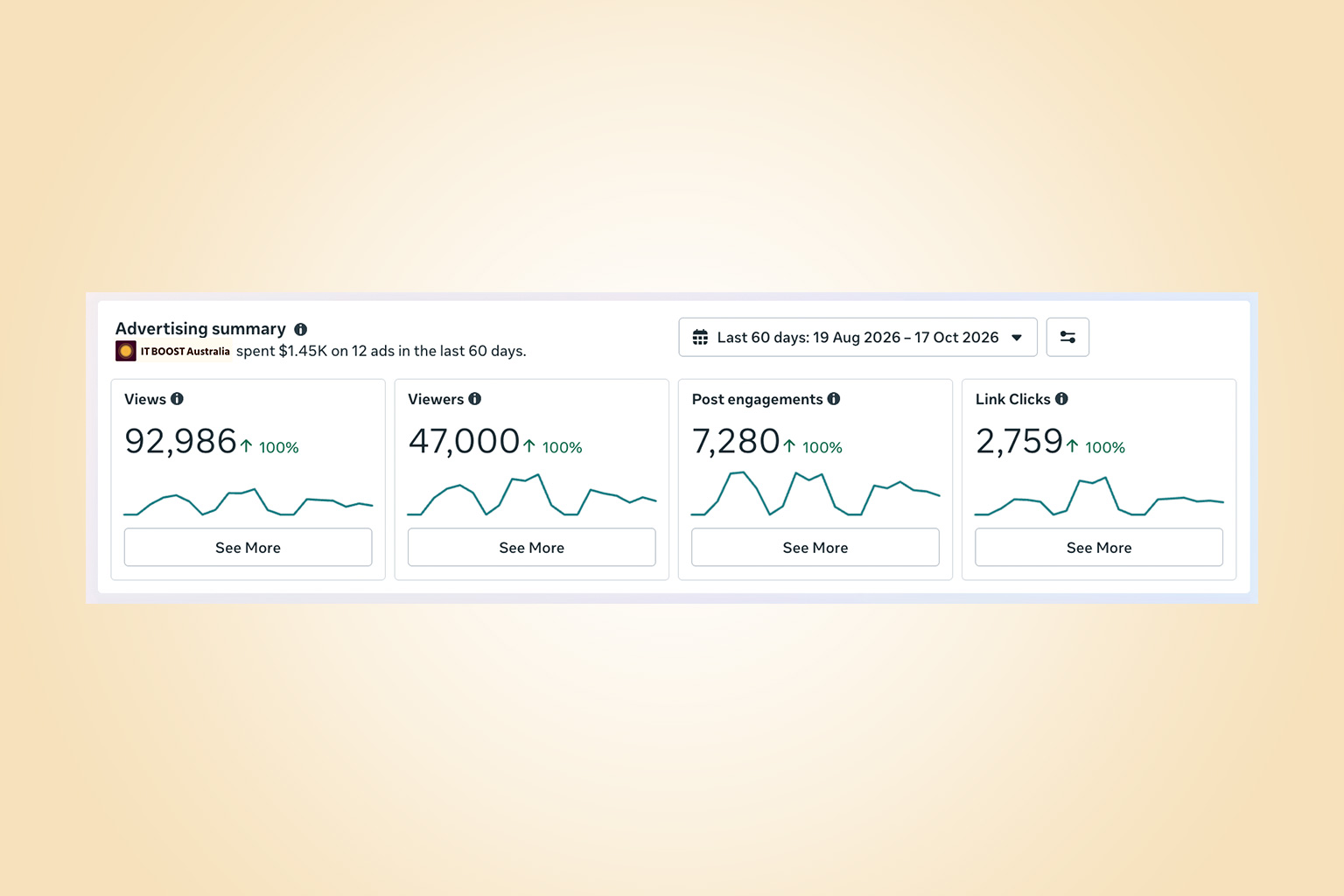
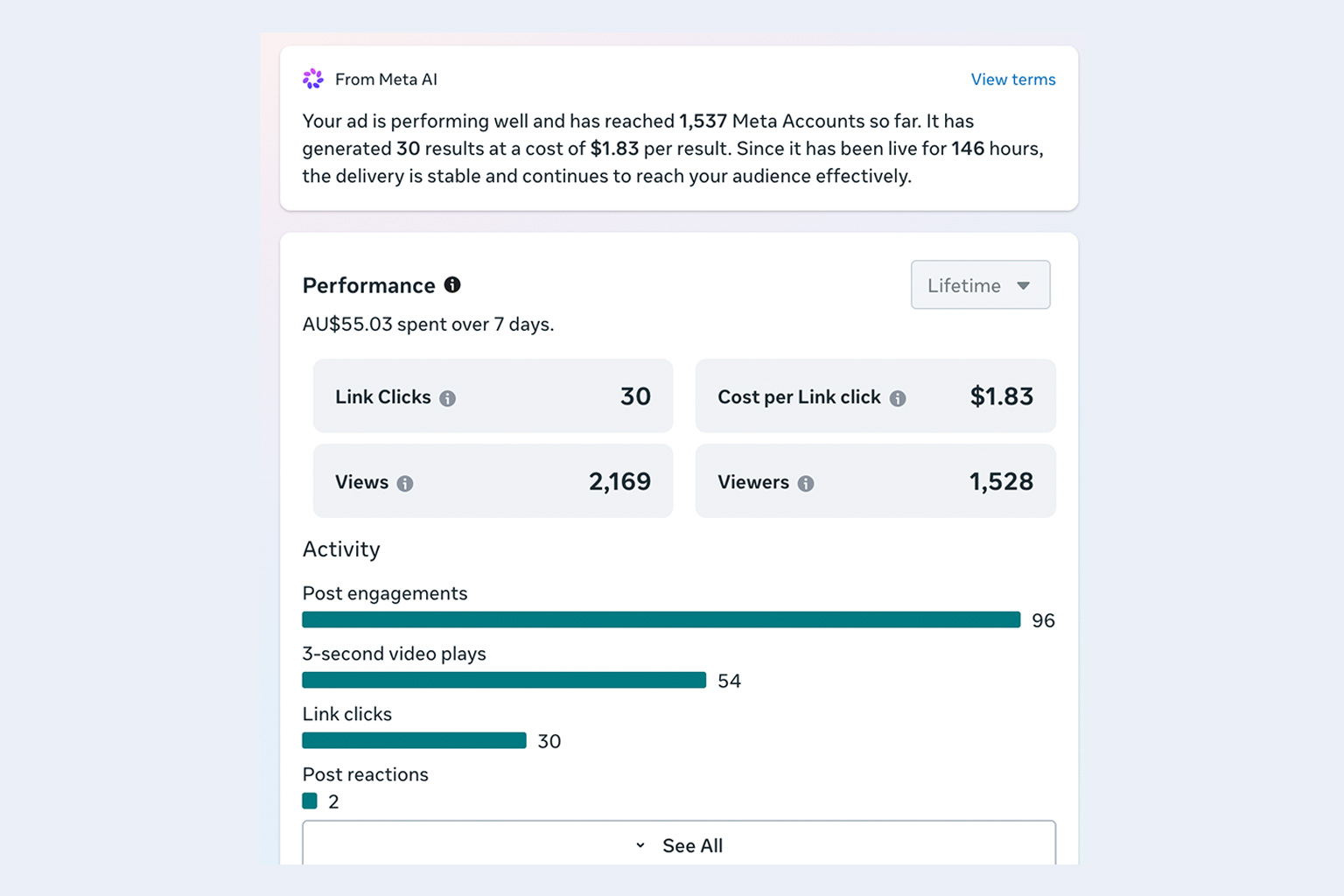
According to Meta, the assistant can work through your ad data and tell you things that would normally take an hour in a spreadsheet:
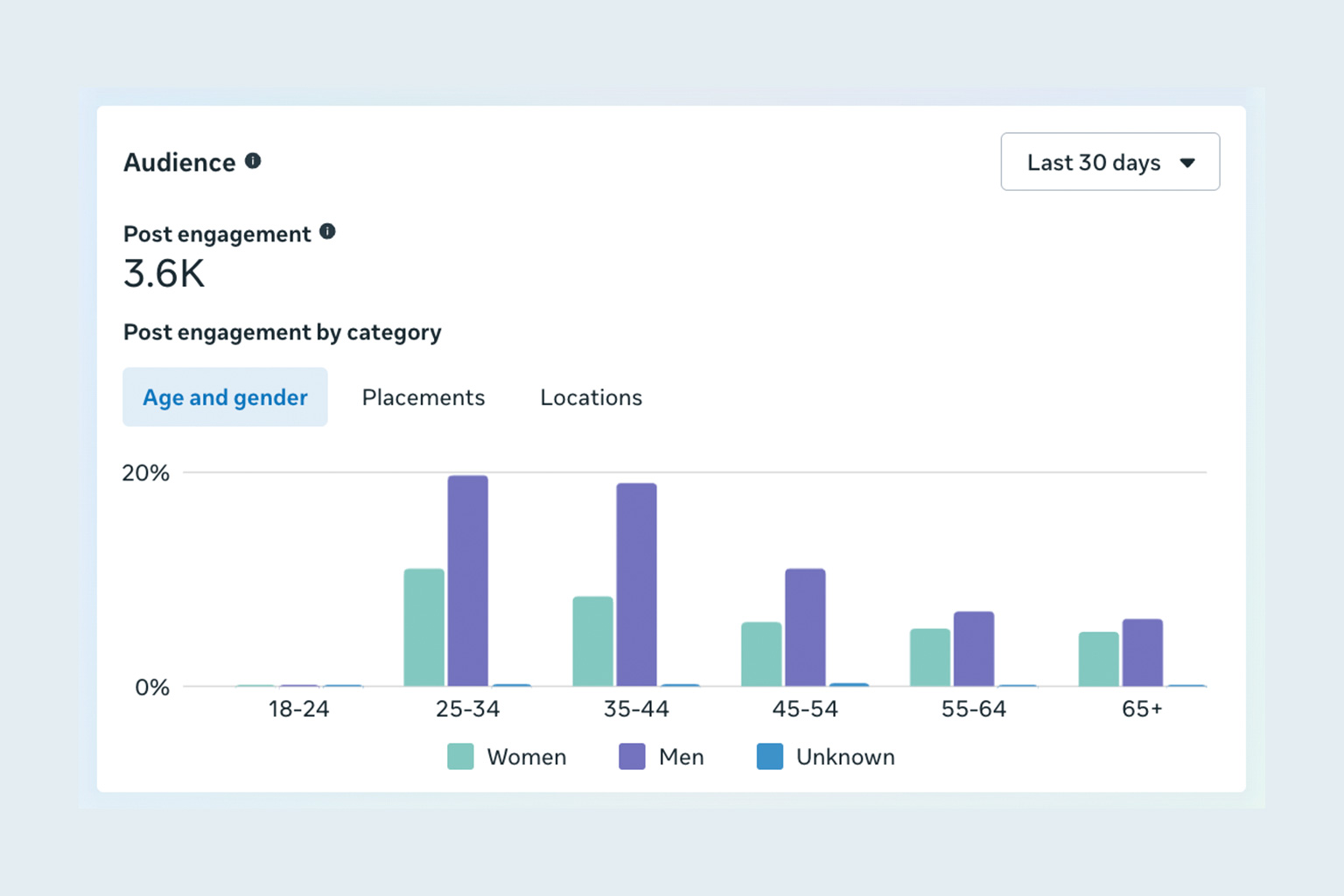
- Audiences: which audiences are actually delivering results
- Creative: patterns shared by your best-performing ads, and which ads have stopped resonating (and possibly why)
- Budget: where your spend is earning its keep, and where it could work harder
- Reports: turning the analysis into a slide deck, document or spreadsheet you can share with your team
- Recurring check-ins: scheduled tasks, so you get a regular performance update without asking each time
In practice, you might ask something like:
"Review the last 90 days of my ads, find what my strongest ad sets have in common, and recommend changes for the next 30 days. Then turn it into a short deck for Monday's meeting."
Meta is also pushing further. At Advertising Week New York on 6 October, it began testing an assistant that can take actions: creating campaigns, changing targeting and adjusting budgets on request, with previews and approvals. That's still a test, not something most accounts can use today.
What to watch out for
Your data goes into Meta's AI
Connecting your ad account, social pages and Google Workspace means sharing campaign results, customer behaviour patterns and potentially internal emails and documents. If you handle personal information (health, finance, legal, or even customer details in Gmail), check how that fits with your obligations under the Australian Privacy Principles before you click connect.
Meta is marking its own homework
As Search Engine Land pointed out, the assistant is advising you on how to spend on Meta's own platform. Its suggestions may be sound, but they won't tell you to move budget to Google, email or SEO.
Meta's performance claims are its own
Meta says advertisers who use its business assistant see 5% more conversions at the same cost per conversion. That figure hasn't been independently verified.
It only sees part of the picture
Meta AI can't see your margins, stock levels, offline sales, or results from other channels. A recommendation that lifts clicks might not lift profit.
The free tier may not stay generous
Meta has been clear that heavier use sits behind Meta One. Build workflows around it knowing the costs may change.
How to get started with Meta AI ads analysis safely
- Check your access. Make sure the right people hold admin rights on your Meta Business account, and that two-factor authentication is switched on for everyone.
- Start small. Connect your ad account first. Hold off on Gmail and Google Drive until you're comfortable with what Meta AI does with that data.
- Ask specific questions. "Which of my ads had the lowest cost per lead last month, and what do they have in common?" gets far better answers than "How are my ads going?"
- Treat recommendations as a second opinion. Test changes on a portion of budget before rolling them out across every campaign.
- Measure against your own numbers. Compare Meta's reporting with your website analytics, CRM or point-of-sale data.
- Review your privacy settings and policies. Update your internal AI usage policy to cover which business accounts staff can connect to AI tools.
Frequently asked questions
Is Meta AI ads analysis free in Australia?
Meta says the features are free to start. Heavier use is tied to Meta One, which launched in Australia on 16 September 2026 with business plans from $22.99 to $769 a month.
Can Meta AI analyse my Google Ads campaigns?
No. Connecting Google Workspace (Gmail, Docs, Sheets and Slides) gives Meta AI extra business context, but it does not pull in Google Ads campaign data.
Can Meta AI change my ad campaigns automatically?
Not in most accounts yet. In October 2026 Meta began testing an assistant that can create campaigns and adjust targeting and budgets, with previews and approvals, but this is still a test.
Is it safe to connect my business accounts to Meta AI?
It can be, with guardrails. Secure your accounts with two-factor authentication, start by connecting only your ad account, and check your obligations under the Australian Privacy Principles before connecting email or documents that contain personal information.
How IT BOOST Australia can help
AI tools like Meta AI can save small businesses real time, but only when they're set up with the right guardrails. IT BOOST Australia can help you:
- Secure your Meta Business and Google Workspace accounts before connecting them to any AI assistant
- Write a practical AI usage policy for your team
- Review which business data is safe to share with third-party AI tools
- Work out whether a Meta One subscription is worth it for your business
Thinking about trying Meta AI for your ads? Get in touch and we'll help you do it safely.
Disclaimer
This article is provided free of charge for public information. We do not guarantee, and accept no legal liability for, the accuracy, reliability, currency, or completeness of the content or any linked material. Users should apply their own judgment and verify the material’s relevance to their needs. This article is a general summary and not a substitute for legal or professional advice. Users should seek appropriate advice for their circumstances. Any third-party views expressed do not necessarily reflect ours or imply endorsement.
Sources
- Small Business Trends: Meta AI Adds Small Business Tools for Ads, Analytics and Reports
- Search Engine Land: Meta AI can now analyze and optimize Meta Ads campaigns
- Small Business Connections: Meta Launches Paid Business Support and AI Tools for Australian SMEs
- MediaPost: Meta Unveils Enhanced AI Business Assistant, Automated Ad Tools
- Tech Hub Insight: Meta AI Ad Tools Announced at Advertising Week 2026
- Growth Boss: Meta One for Business
- Vaizle: Meta AI Can Now Analyze Meta Ads, Facebook and Instagram Performance
Terminologies used in this article
- Meta
- Meta is the owner of Facebook, Instagram and a few more apps and Meta Business Suite is also the name of the tool provided by Meta which allows you to run ads across Facebook, Instagram, Messenger, and WhatsApp for Business.
- Personal Information
- Personal information is data that can identify an individual, such as their name, email address, phone number, or postal address.
- SEO
- SEO is the process of optimising your website to make sure it is available to Google Search Engine and this can be monitored through Google Search Console. By optimising website content, structure, and technical performance, businesses can attract more organic (unpaid) traffic and increase their onl…